Deploying My Django Portfolio to asrorov.com
September 26, 2026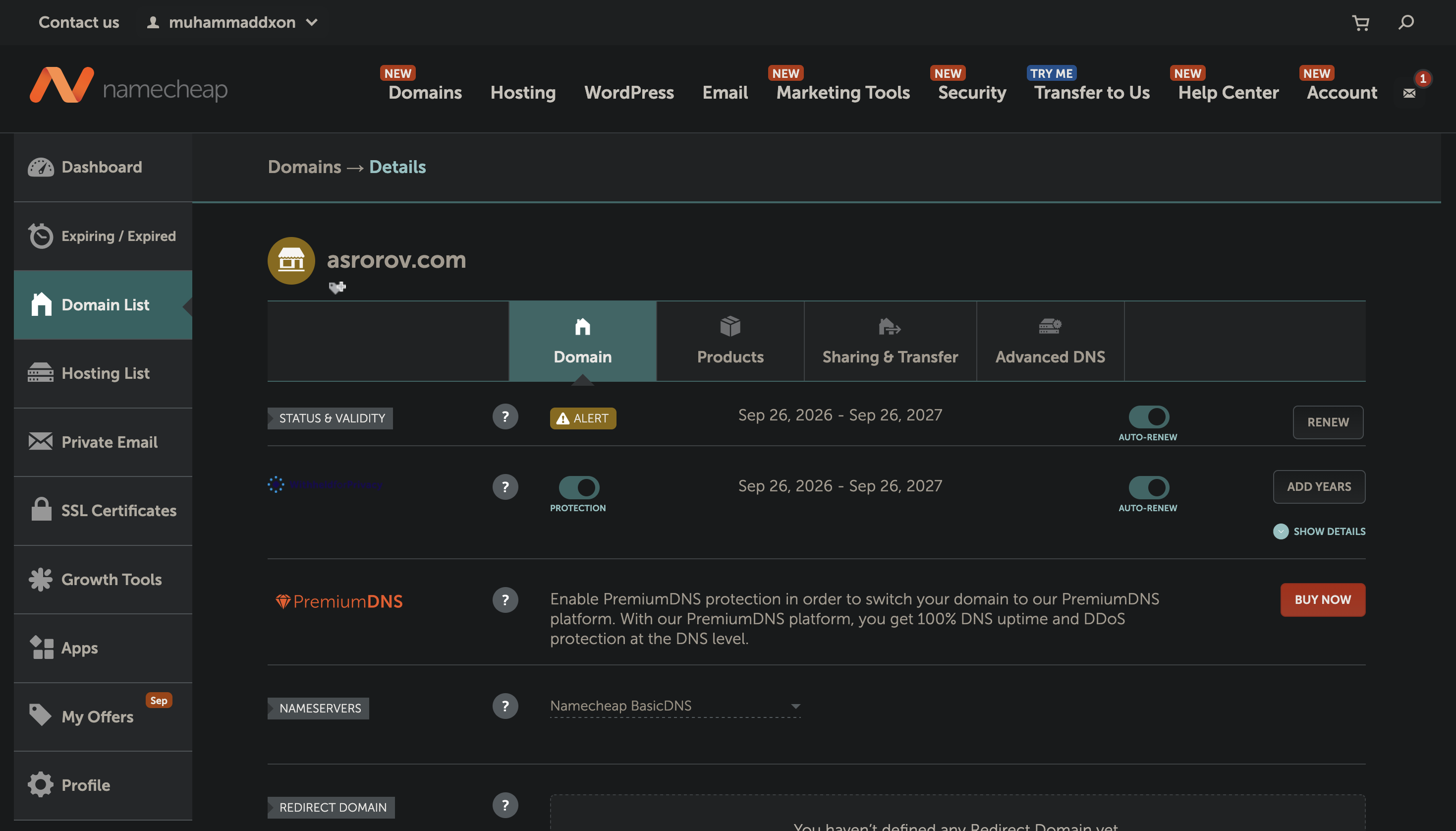
Taking a project from localhost:8000 to a live production environment is a major milestone for any developer. I recently transitioned my personal portfolio web application from local development to production on Render, backed by PostgreSQL and connected to my custom domain: asrorov.com.
Here is a quick breakdown of the stack, the obstacles encountered along the way, and how I resolved them.
The Stack
⚬ Backend: Python & Django (MVC architecture)
⚬ Database: PostgreSQL
⚬ Static & Media: WhiteNoise (static assets) and Cloudinary API (dynamic media storage)
⚬ Hosting & Deployment: Render via Gunicorn WSGI
⚬ Domain & Security: Namecheap DNS with automatic SSL (HTTPS)
Key Challenges & Practical Solutions
1. PostgreSQL Driver Configuration
Transitioning from SQLite to PostgreSQL caused an initial build failure due to missing database drivers. Adding psycopg2-binary to requirements.txt resolved the dependency issue and stabilized the build.
2. Database Provisioning Without Shell Access
Render's free tier disables direct SSH/web terminal access, making python manage.py createsuperuser tricky to run. I bypassed this by temporarily pointing my local .env to Render’s external database URL, running migrations and creating the admin user directly from my local machine.
3. DNS Routing & ALLOWED_HOSTS
After configuring Namecheap's A and CNAME records to point to Render, the site threw a Bad Request (400). Updating ALLOWED_HOSTS in settings.py to explicitly trust asrorov.com and [www.asrorov.com](https://www.asrorov.com) solved the problem immediately once redeployed.